Logging Out
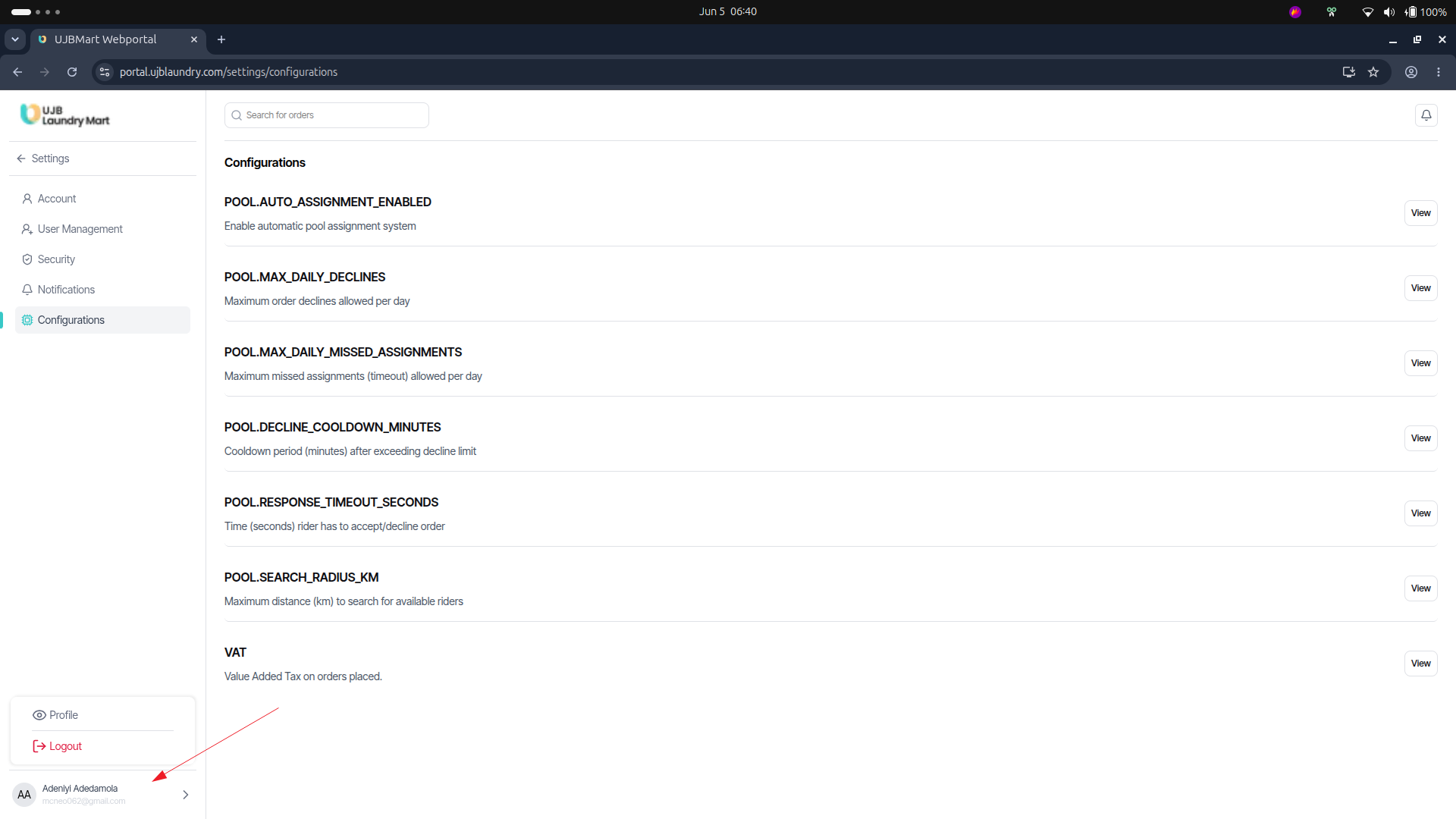 To preserve system security and prevent unauthorized dashboard modifications, always terminate active sessions when leaving your workstation.
- Action: Click on your User Profile Name located at the bottom-left corner of the primary side navigation menu.
- Confirmation: Click Log Out from the resulting pop-up menu to clear active session tokens and return safely to the secure login prompt.