Product & Pricing Configuration
Consider this module the Central Operations Hub of the UJB Mart infrastructure. Here, you control what services are sold, how much they cost, and how they behave on the client-facing application.
The hub is segmented into four core operational tabs:
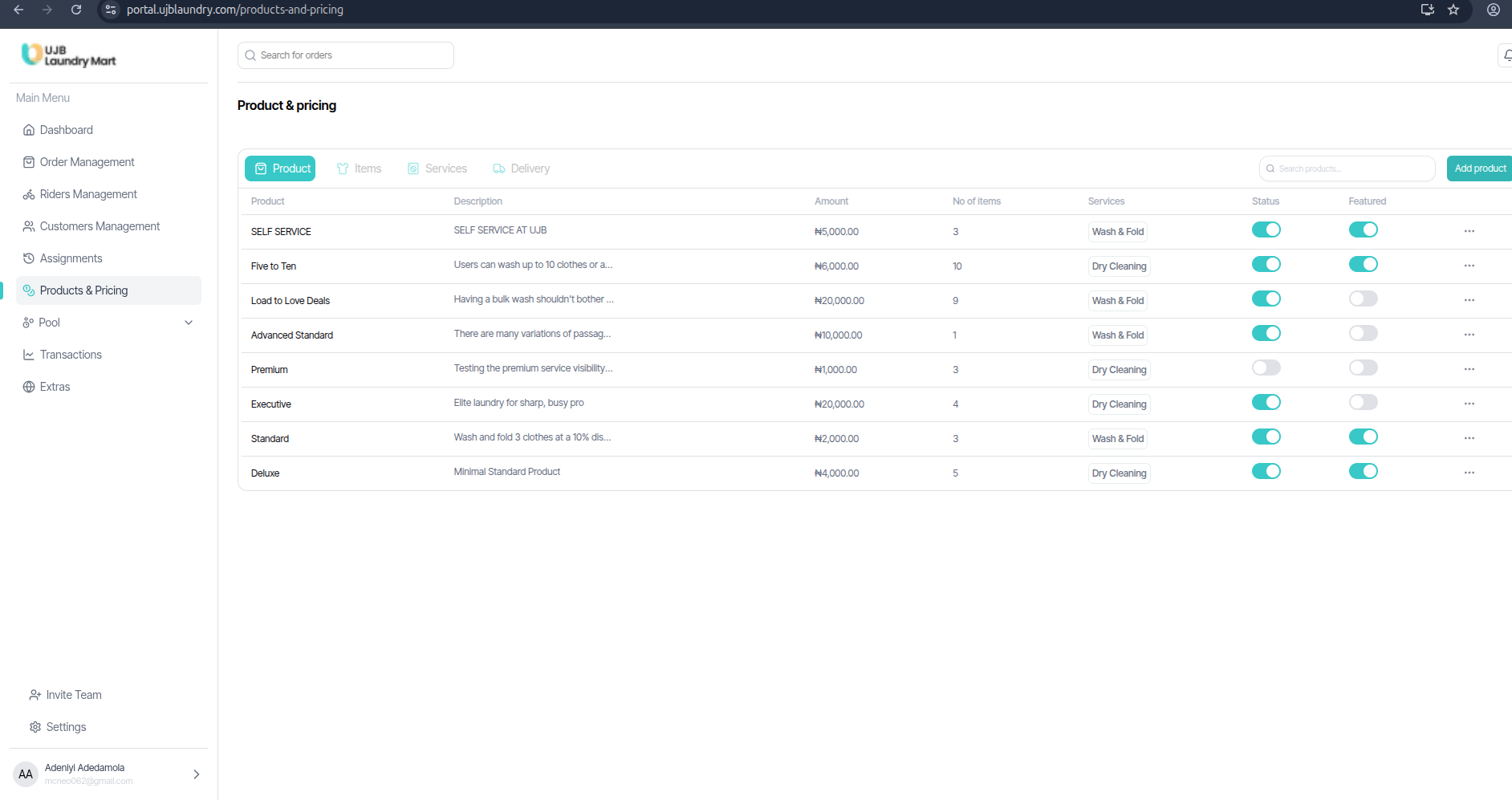
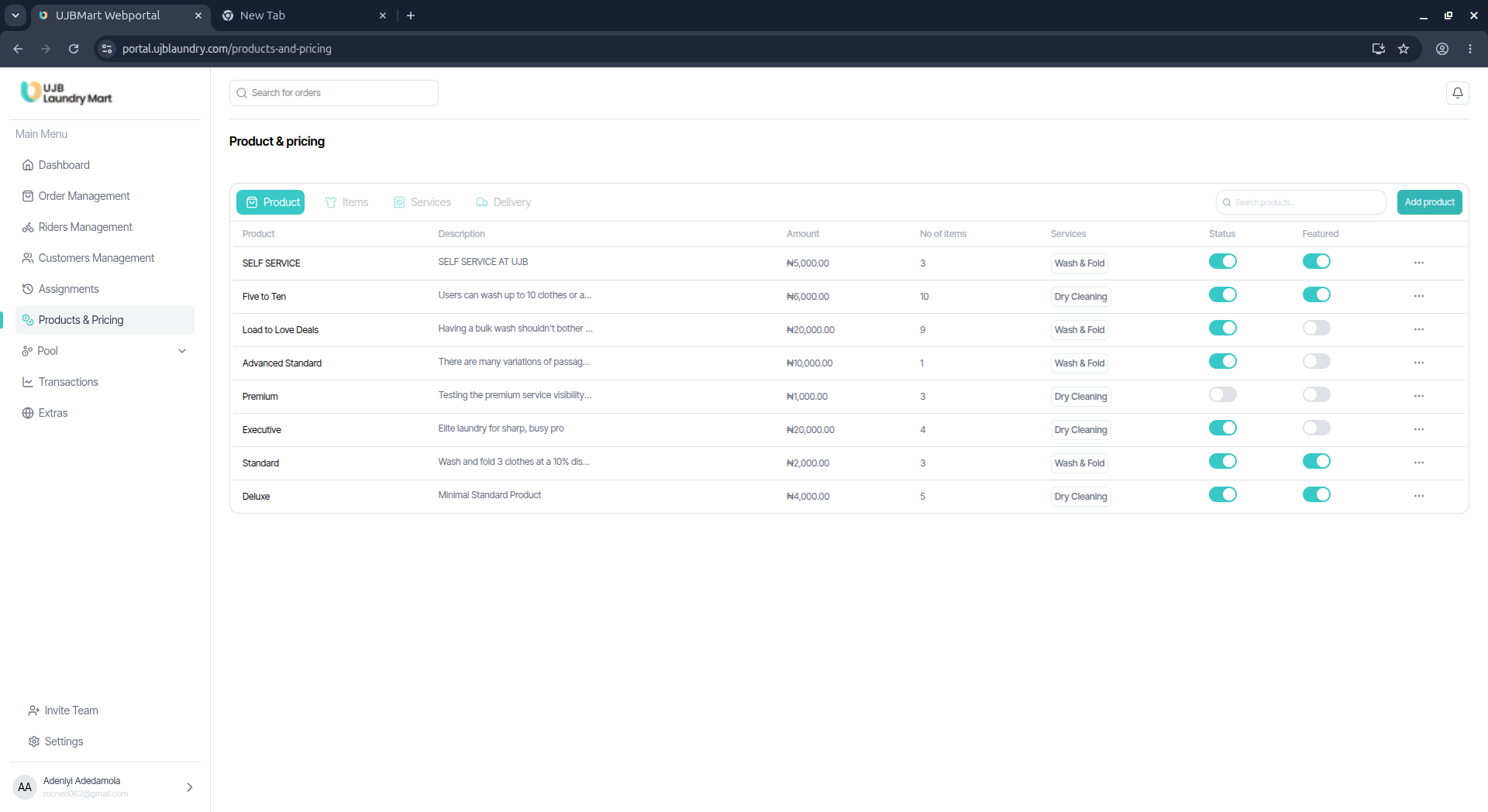
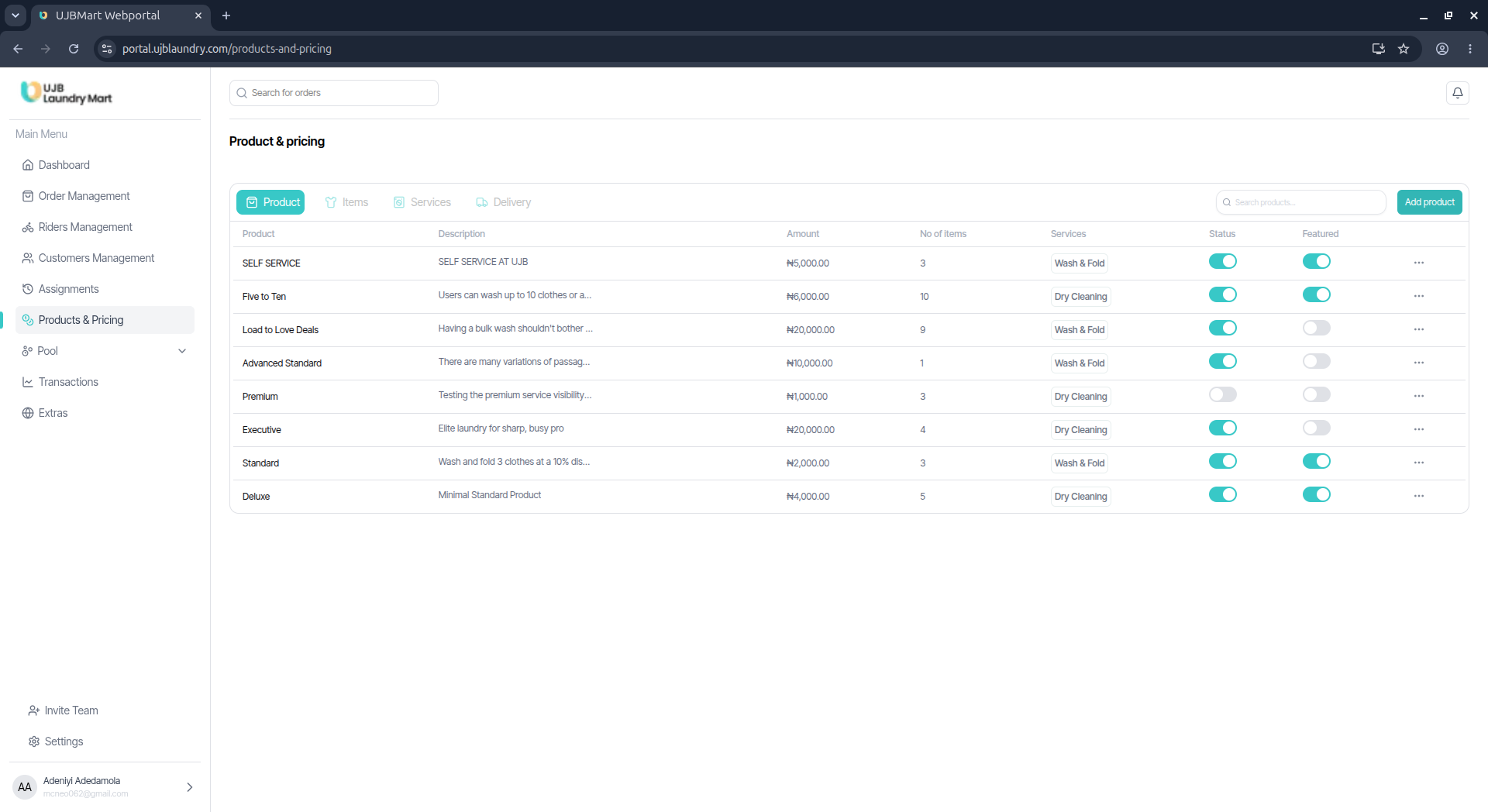
1. Products
A Product represents a structured service package offered to consumers (e.g., Self Service, Weekly Regular, Executive Pak).
- Attributes: Every product requires a fixed Amount, a maximum Number of Items Covered, and the allowed Services Offered (e.g., Wash & Fold).
- Visibility Toggle: Products can be prepared in the background without being launched publicly. Until the "Featured" switch is toggled on, the package will remain invisible to users on the app.
2. Items
Items denote the standalone clothing units or articles accepted for laundering (e.g., shirts, socks, dresses, bedding).
- Admins can easily append new clothing types and map corresponding graphic icons to them.
- Status Toggle: Deactivating or toggling off an item's status switch instantly hides that clothing category from the public-facing application.
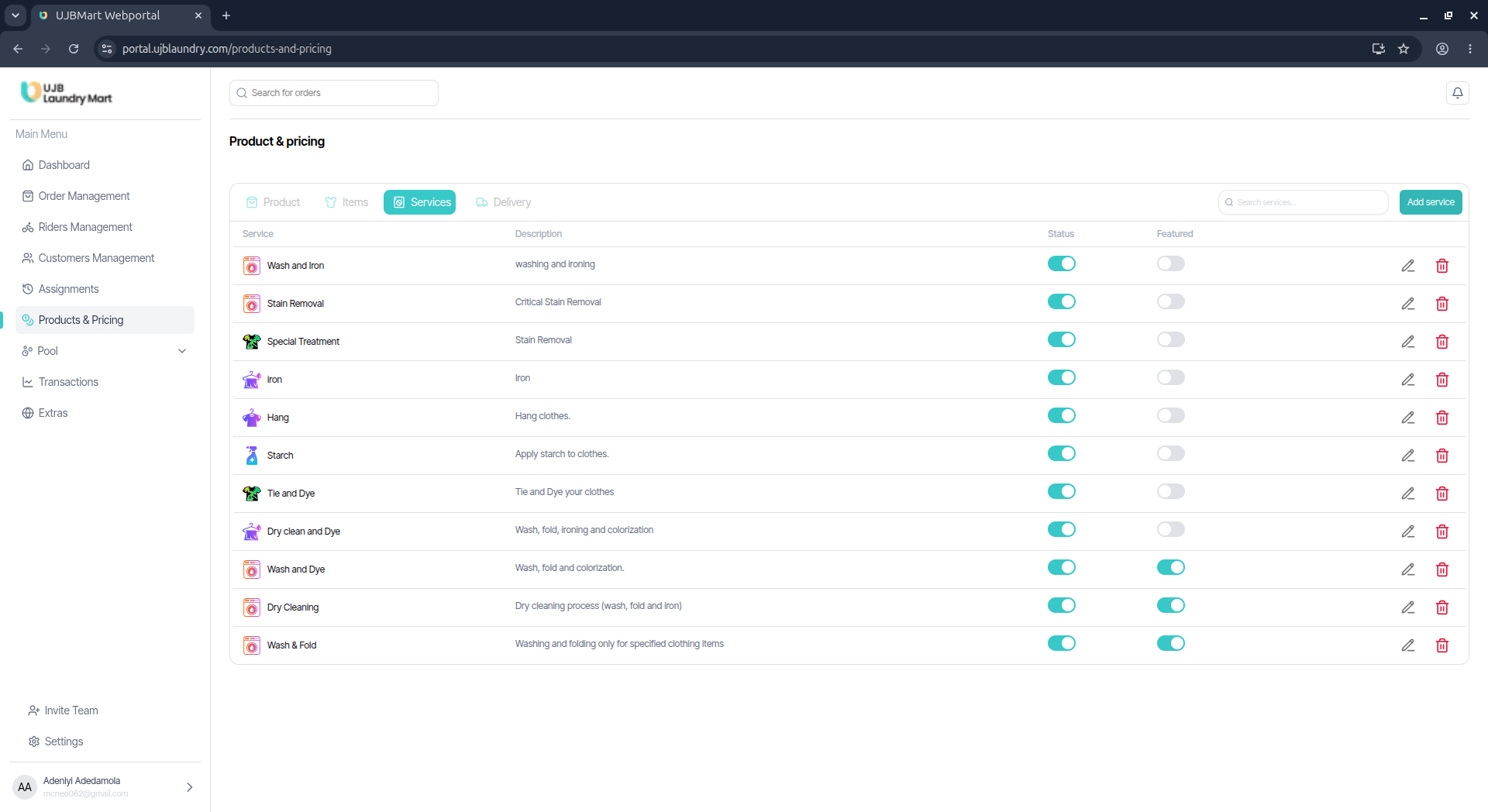
3. Services
Services outline the exact chemical and physical processing methods applied to garments (e.g., Wash and Iron, Dry Cleaning, Tie and Dye, Hand Wash).
- Admins have total liberty to define and introduce novel service treatments into the ecosystem.
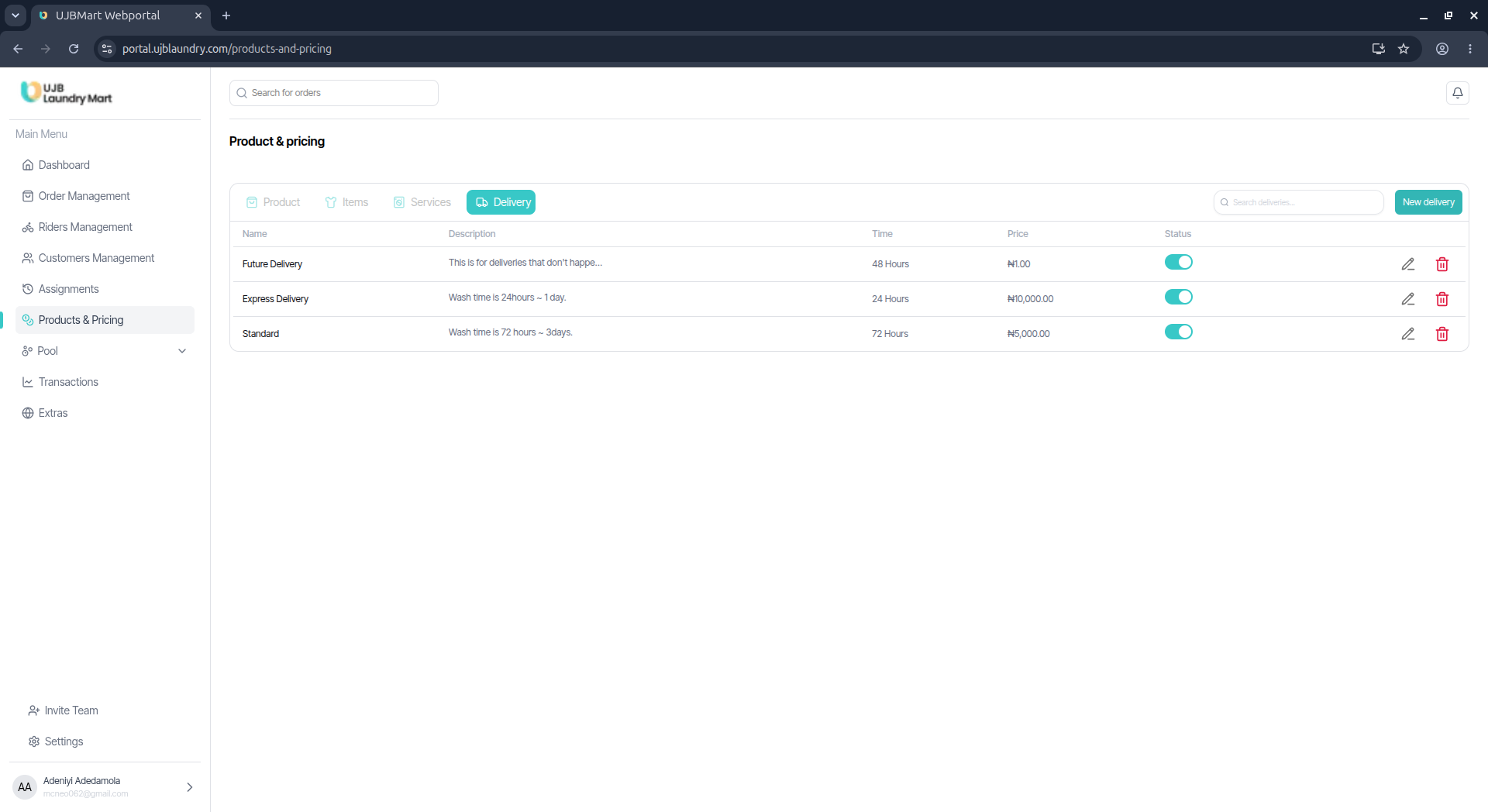
4. Delivery
This section houses custom logistics tiers and delivery methodologies.
- Admins can create distinct delivery modes, establishing specialized pricing adjustments and expected turnaround timelines (e.g., Express Delivery vs. Standard Delivery).